Natural Language Commands: What to Look for in an AI Task Automation Tool
Your team already sends tasks through WhatsApp, so why are you still copying them into a separate tool? Most task automation tools fail because their natural language commands misread context, turning a quick voice note into a confusing ticket. By the end of this article, you will have concrete criteria for evaluating natural language understanding, multimodal input, and channel integration.
You will also get a clear breakdown of five tools, including a detailed look at Tasks.Bot's voice note task creation and automatic assignment features. We cover what to test in a free trial, how to weigh pricing against accuracy, and which platform deserves your first try. You will finish ready to pick, not just browse.
What to Look For in an AI Task Automation Tool
When evaluating AI task automation tools, prioritize three core capabilities: how accurately they interpret natural language, how they handle diverse input types like voice notes, and how seamlessly they fit into your team's existing communication habits.
These criteria matter because they determine whether an automation tool actually gets used in daily workflows. A tool that requires constant corrections, forces users into rigid command syntax, or demands switching between apps will quickly fall by the wayside.
Effective task automation should feel invisible. The best tools let team members express intent naturally, in whatever format they prefer, and then handle the rest. User adoption hinges on this frictionless experience, not on the raw power of the underlying model.
Keep these three pillars in mind as you evaluate options. They form the foundation for reliable task execution, fewer dropped requests, and smoother team collaboration across departments.
Natural Language Understanding Accuracy
The accuracy of natural language understanding (NLU) determines whether a tool can correctly parse user intent, extract relevant entities, and resolve ambiguities without constant corrections.
Modern tools rely on large language models (LLMs) and machine learning models to perform intent recognition and entity extraction. These systems identify what a user wants to do and pull out the key details, such as dates, assignees, priorities, and project names. Slot filling then maps those details to specific fields in your task management system.
Ambiguity resolution is another critical piece. When a user says "remind me about the meeting," a strong tool knows which meeting context matters, whether from recent conversation history or calendar data. Without this contextual understanding, the tool may create vague or incorrect tasks.
To test NLU accuracy, try varied phrasings and slang during your evaluation. Use casual language, incomplete sentences, and industry-specific jargon. A capable tool should handle:
- Multiple ways to express the same request, such as "set a deadline," "due by," or "need this by"
- Implicit references like "the client call" or "that report from yesterday"
- Corrections mid-sentence, such as "actually, make it Friday instead"
Few-shot and zero-shot learning capabilities also matter. These allow the tool to understand new task types without extensive training examples. Strong error handling is equally important. When the tool does not understand, it should ask a clarifying question rather than silently creating a wrong task.
Voice Note and Multimodal Input Support
Voice note and multimodal input support enables users to create tasks by speaking naturally or combining text, images, and audio, which is critical for on-the-go teams.
Field workers, sales representatives, and busy managers often cannot type while walking a job site or driving between meetings. Voice commands let them capture tasks in the moment, preserving details that might otherwise be forgotten. The AI processes these audio inputs using speech-to-text technology followed by natural language understanding to extract actionable items.
Accurate command parsing from audio is essential. Background noise, accents, and conversational filler words all challenge speech recognition. A reliable tool filters out these distractions and focuses on the core request. For example, a manager might say, "When I get back, I need to review the Q3 budget with finance, and also remind me to check the vendor contract." The tool should parse both tasks with correct deadlines and participants.
Multimodal support goes beyond voice. Users may want to snap a photo of a whiteboard, attach a screenshot, or record a quick video explanation alongside a text note. Combining these input types gives richer context for task execution. The AI can extract relevant text from images using OCR and pair it with spoken instructions.
Look for tools that handle multimodal inputs with the same accuracy as typed commands. The transition between input modes should feel seamless, allowing users to switch from voice to text to image without losing task context.
Integration with Existing Communication Channels
The best AI task automation tools integrate directly into the platforms your team already uses daily, such as WhatsApp, Slack, or Microsoft Teams, eliminating the need to switch contexts.
This integration is crucial for adoption. When task creation happens inside a conversational UI within your messaging app, team members do not need to learn a new user interface or remember where to log tasks. They simply send a message, and the AI agent handles the rest. Reduced friction leads to more consistent task capture across the organization.
Evaluate integration quality by considering a few key criteria. First, check how easy the setup process is. Does it require complex configuration, or can an admin connect the tool to existing channels in minutes? Second, examine how well the tool handles group conversations. Can it identify which messages contain actionable tasks versus casual chat? Third, assess the sync behavior. Tasks created in chat should appear instantly in your project management system with all relevant metadata intact.
Conversational UI design matters here. A good integration supports natural back-and-forth dialogue, allowing users to confirm, modify, or cancel tasks without leaving the chat window. This dialogue management capability keeps task execution smooth and transparent.
Finally, consider how the tool handles multi-step tasks within chat. Can a user say "create a project plan for the launch, assign tasks to the team, and set a review meeting next Tuesday"? A well-integrated tool breaks this down into structured actions, executes them, and confirms completion, all within the familiar chat environment.
1. Tasks.Bot - Best Overall
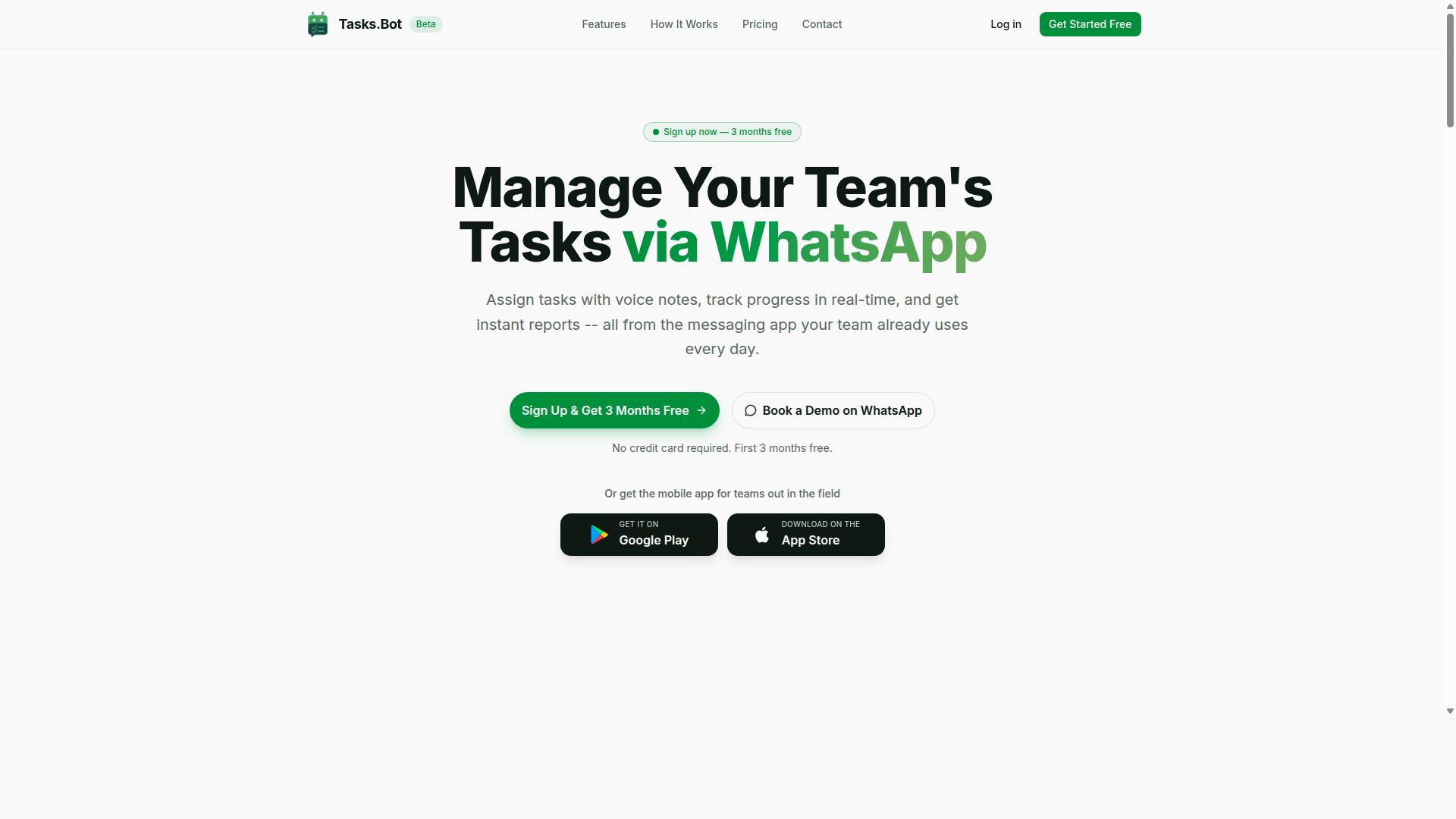
Tasks.Bot stands out as the best overall AI task automation tool by operating entirely within WhatsApp, turning your existing chat into a powerful task management hub. This approach removes the friction of learning a new user interface, since your team already knows how to use WhatsApp. The tool is a SaaS product available globally, so teams in different time zones can adopt it without installation hurdles.
The core feature set covers the full lifecycle of task execution. You get voice note task creation, automatic assignment, smart deadline reminders, approvals and automations, and instant reports. Tasks on a map, a live day tracker, and face-verified attendance round out the offering for field teams. Shifts, leave, and hours management are also included, making this a comprehensive operations tool rather than a simple to-do list.
For natural language processing specifically, Tasks.Bot uses AI to understand user intent directly from chat messages. Team members send a message in plain language, and the system parses the command without requiring strict command syntax. This conversational UI approach means less training time and faster adoption across the organization.
Because everything happens inside WhatsApp, team members don't need to install anything or create new accounts. The Android and iOS apps add push notifications, voice capture, and a home screen widget for quick access. Enterprise-grade encryption keeps conversations and task data secure, and your information is never shared or used for training models.
Voice Note Task Creation and Automatic Assignment
Tasks.Bot leverages AI to understand voice notes and natural language, automatically creating tasks and assigning them to the right team members without manual data entry. A manager can dictate a task while walking between meetings, and the system handles the rest. This is a strong example of natural language understanding, or NLU, applied directly to daily workflow.
The AI performs entity extraction and slot filling to identify who should own the task, what needs to be done, and when it is due. Instead of typing out assignments or filling forms, users simply speak naturally. This reduces errors that come from manual typing and saves significant time for managers who assign dozens of tasks daily.
Voice commands work for text-based task creation too, so the system handles both input methods. The machine learning model behind the scenes improves at interpreting user intent over time. For teams with field staff, this means a supervisor can send a quick voice note and trust that the assignment reaches the correct person instantly. The automatic assignment also helps with action mapping, connecting the spoken request to the right workflow and owner.
Smart Deadline Reminders and Approvals
With smart deadline reminders and approval workflows, Tasks.Bot ensures tasks stay on track and that critical approvals happen right within the chat. The system automates the follow-up process, so managers don't have to manually chase team members for updates. This is a practical application of rule-based automation combined with AI-driven scheduling.
Deadline reminders reduce the cognitive load on managers who would otherwise track every due date manually. The reminders surface in the same WhatsApp thread where the task was created, keeping context intact. This contextual understanding means team members see the original request alongside the reminder, which reduces confusion and ambiguity resolution time.
The approvals feature streamlines workflows that typically require back-and-forth emails or separate tools. Approvals happen through the conversational interface, so nothing gets lost in translation. This improves team productivity by removing bottlenecks and gives managers a clear audit trail of who approved what and when. The combination of reminders and approvals creates accountability without adding administrative overhead, which is exactly what teams need from an automation tool.
2. Reminderly.ai
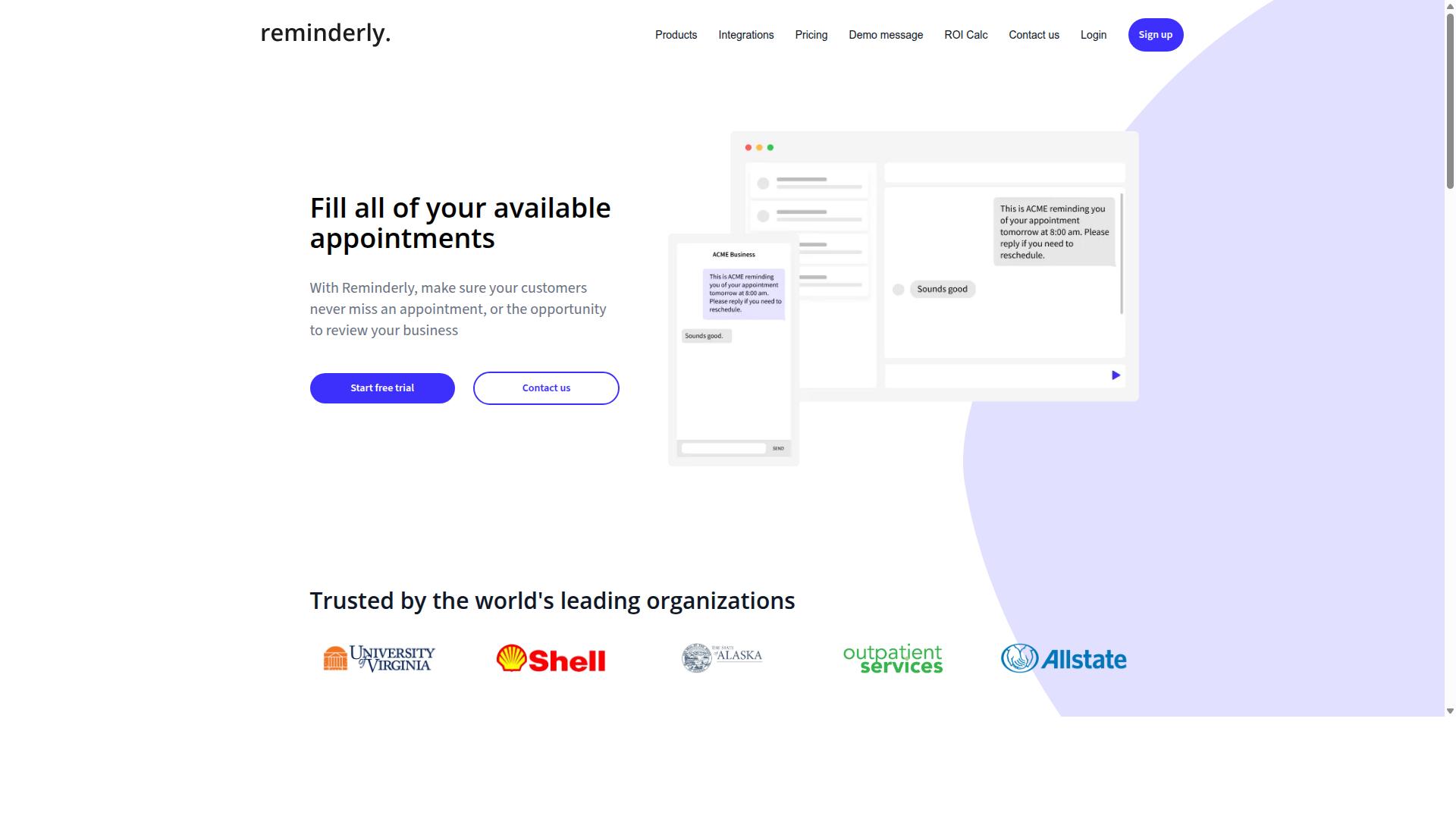
Reminderly.ai is a dedicated reminder tool that uses AI to help individuals and teams manage simple tasks through natural language commands. The platform focuses on converting everyday language into scheduled reminders and lightweight to-dos without requiring users to learn complex command syntax.
Its core strength lies in simplicity. Users type or speak a phrase like "remind me to follow up with Sarah tomorrow at 9 AM" and the system handles the rest. This makes it an approachable entry point for people who want basic task automation without a steep learning curve.
The tool typically includes features such as AI-powered reminders, natural language input, and recurring task scheduling. For individual users, it shines at capturing quick thoughts and turning them into actionable notifications across devices.
However, teams with complex workflows may find its scope limited. Advanced capabilities like approval chains, task assignments, or role-based permissions are not usually part of its core offering. The platform is better suited for personal productivity and small-scale collaboration.
When evaluating Reminderly.ai against your needs, consider whether your work revolves around individual task execution or multi-step team processes. Its natural language understanding handles straightforward commands well, but it may struggle with ambiguous phrasing or complex multi-step tasks that require deeper contextual understanding.
For teams that need robust workflow automation with approval gates and assigned ownership, a more comprehensive automation tool would be a better fit. Reminderly.ai serves as a practical option for those prioritizing ease of use over enterprise-grade control.
3. TaskRio
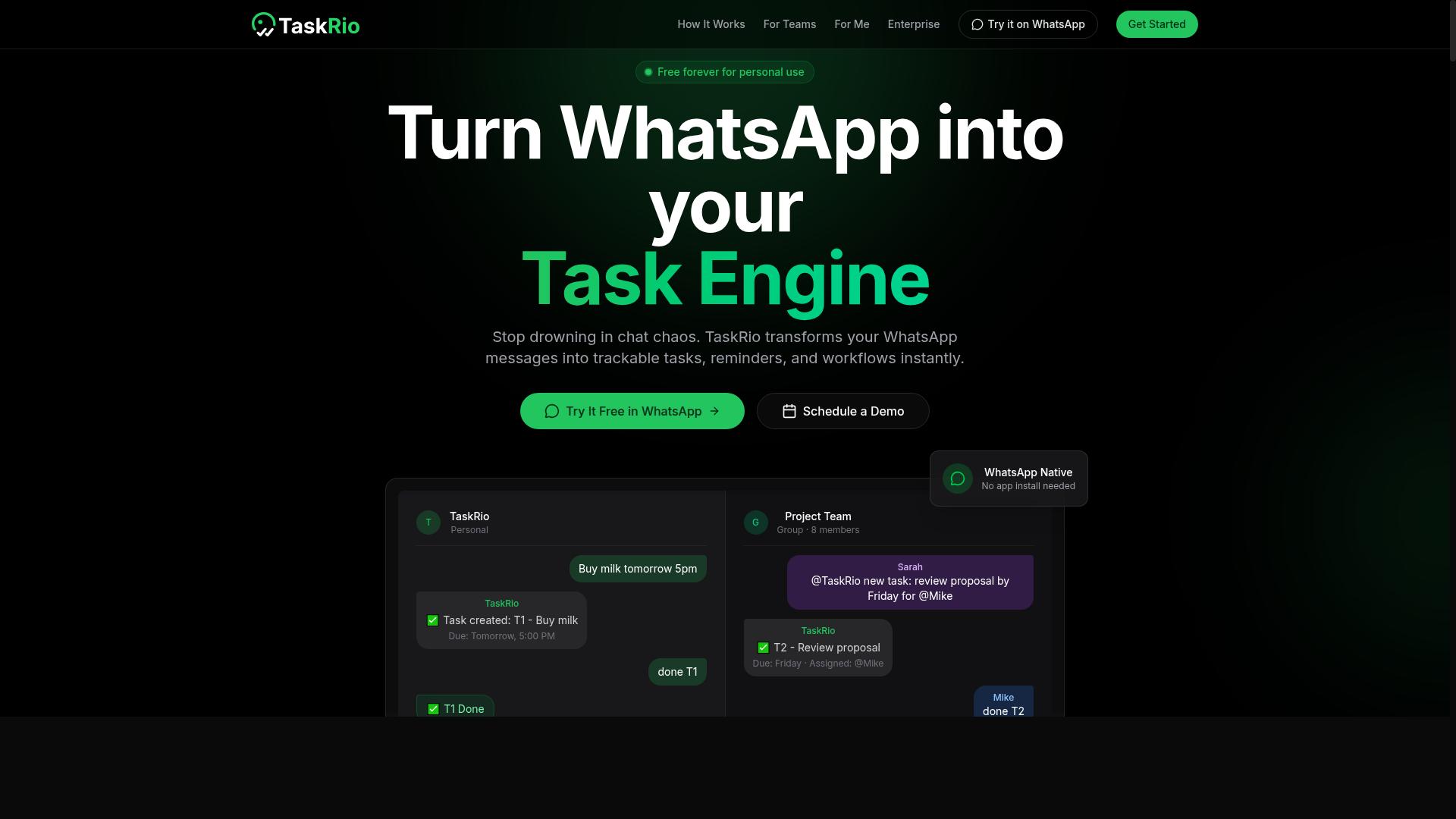
TaskRio positions itself as a team-oriented task management solution with AI enhancements for automating routine workflows. The platform focuses on helping teams coordinate work across projects while using natural language commands to trigger common actions. For organizations that already manage complex workflows, this approach can reduce the friction of switching between multiple tools.
Team collaboration is a clear strength for TaskRio. The interface is built around shared workspaces, making it easy for managers to assign tasks and monitor progress in real time. Its workflow automation features allow recurring processes to run with minimal manual input, which suits teams handling repetitive operational work.
One potential drawback is that TaskRio may require installation or a separate interface. Teams that rely heavily on messaging apps like Slack or Microsoft Teams might find this extra step disruptive. An automation tool should live where your team already works, not force them into a new environment.
When evaluating TaskRio, consider how its deployment model fits your daily routines. If your team is comfortable opening a dedicated dashboard, the collaboration features could be valuable. However, if you prefer issuing text commands from your existing chat apps, a tool with deeper messaging integration might serve you better.
4. Karo.bot
Karo.bot is an AI-driven assistant that focuses on conversational task management, allowing users to interact via chat interfaces. It aims to interpret natural language commands and convert them into actionable steps within a workflow.
The tool leans on natural language understanding and intent recognition to parse user requests. This approach to command parsing means you can describe a task in plain words rather than relying on rigid command syntax or complex menu navigation.
However, potential users should note that Karo.bot may not offer the same level of deep WhatsApp integration as some dedicated task automation tools. You might find yourself switching to a separate app or a web interface to manage your tasks and review automated actions.
For teams already comfortable with a dedicated conversational UI, this can work well. But if your primary goal is to automate tasks directly from your existing messaging habits, the extra step of opening another interface could slow you down.
When evaluating Karo.bot, consider how its entity extraction and slot filling handle specific details like dates, names, or priorities. A tool that requires frequent clarification may add friction to otherwise simple multi-step tasks.
5. The Sarah AI
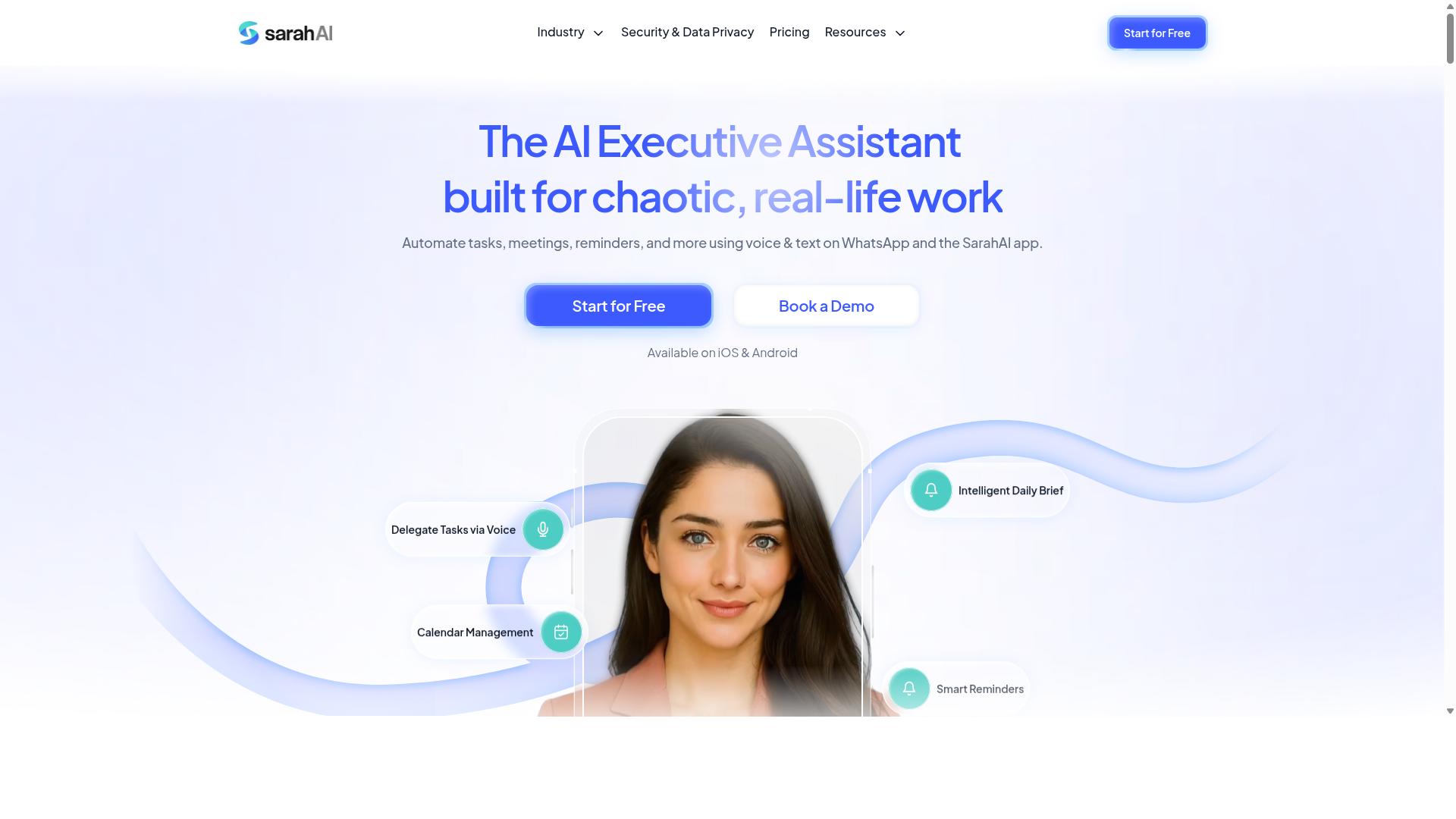
The Sarah AI is an AI assistant designed to handle task execution through natural language, targeting both personal and professional productivity. It positions itself as a conversational companion that can interpret requests and translate them into actions, similar to a general-purpose AI agent.
Its core strength lies in natural language understanding and dialogue management. Users interact with it through a conversational UI, issuing text or voice commands that the system parses to identify user intent and extract relevant entities for task execution.
Where The Sarah AI may fall short is in specialized workflow automation features. Tools built specifically for task management often include reporting dashboards, approval chains, and audit logs, capabilities that a broader AI assistant experience may not prioritize.
For teams evaluating this option, consider whether your needs center on conversational assistance or structured process control. If your work requires detailed tracking of multi-step tasks with clear accountability, a general assistant might leave gaps that a dedicated automation tool would fill.
How to Choose the Right Option
Choosing the right AI task automation tool depends on your team's size, communication habits, and budget, so consider these factors carefully. The best choice fits naturally into how your team already works, not the other way around.
Start by evaluating how your team gives instructions today. Do they prefer typed commands, voice commands, or structured forms? An automation tool with strong natural language understanding will handle flexible phrasing, while a rule-based automation tool may require strict command syntax.
Next, think about the complexity of your workflows. Simple reminders need less sophistication than multi-step tasks that depend on entity extraction and slot filling. A tool with solid intent recognition and contextual understanding will reduce the need for repetitive prompt engineering.
Finally, consider your team's growth trajectory. A conversational UI with an AI agent that learns from few-shot learning or zero-shot learning can adapt as your needs evolve. Prioritize tools that offer a free trial or demo so your team can test real-world scenarios before committing.
Pricing and Free Trial Considerations
Pricing models vary widely among AI task automation tools, so compare per-member costs, annual discounts, and free trial availability to find the best fit for your budget. Most vendors offer monthly and annual billing, with annual plans typically saving you 15% to 30%.
Some tools charge per active user, while others price by usage volume or feature tiers. Enterprise options often include custom quotes based on team size and integration needs. Research suggests that teams should calculate the total cost of ownership, not just the sticker price.
Tasks.Bot offers a Full Access plan with all features included. Pricing is available in Indian Rupees () and US Dollars ($), with a monthly option at 200 per member per month or an annual plan at 1,200 per year per member. The annual plan saves 50%, which amounts to a saving of 1,200 per year per member.
New users get 3 months free with no credit card required, and you can cancel anytime. Tasks.Bot is currently in beta and offers a demo to explore its natural language processing capabilities. For free trials on other tools, check each vendor's website since availability and terms vary.
Final Verdict
After comparing the top AI task automation tools, Tasks.Bot emerges as the clear winner for teams already using WhatsApp, thanks to its seamless integration and AI-driven features. The platform operates entirely within WhatsApp, which removes the friction of switching between apps and learning new interfaces.
What sets Tasks.Bot apart is its natural language processing and intent recognition. You can send commands as text or voice notes, and the AI agent handles command parsing and task execution without requiring complex command syntax. This makes workflow automation accessible to everyone on your team, not just technical users.
The tool also includes face-verified attendance tracking, which is a practical addition for teams managing remote or hybrid work. Since everything happens inside WhatsApp, there are no extra installs or setup hurdles. Your team already knows how to use the platform, so adoption happens naturally.
For teams evaluating task automation tools, the decision comes down to where your work already happens. If WhatsApp is your team's communication hub, Tasks.Bot delivers the most direct path from conversation to completed task. The conversational UI eliminates the need for prompt engineering or learning a new system.
To explore how Tasks.Bot fits your workflow, contact the team at +91 97143 42522 or email [email protected]. You can also book a demo directly on WhatsApp to see the AI assistant in action before committing. The tool's focus on natural language understanding and contextual understanding makes it a practical choice for teams ready to simplify their task automation.
Frequently Asked Questions
How is Tasks.Bot different from other AI task automation tools?
Tasks.Bot operates entirely within WhatsApp, so your team doesn't need to install new software, create new accounts, or learn a new interface. It uses AI to understand natural language and voice notes for task creation, which means you can assign work just by typing or speaking as you normally would in chat. This makes it uniquely accessible for teams that already rely on WhatsApp for daily communication.
Can field staff really use Tasks.Bot without any technical setup?
Yes. Because Tasks.Bot works through WhatsApp, field staff simply continue using the app they already have-no downloads, logins, or training required. The platform also offers a dedicated mobile app for field teams, plus features like tasks on a map and face-verified attendance, which are designed specifically for remote and mobile workforces. This removes the biggest barrier to adoption that many traditional task management tools face.
How does Tasks.Bot handle natural language commands and voice notes?
Tasks.Bot uses AI to interpret natural language and voice notes, so a team member can say or type something like "Follow up with the client tomorrow at 10 AM" and the system will automatically create the task, assign it, and set a smart deadline reminder. This means no manual data entry or form-filling-just speak or type naturally, and the tool handles the structure. This is a core advantage over tools that require strict command syntax or manual task creation.
What kind of reporting and tracking does Tasks.Bot provide for managers?
Tasks.Bot offers instant reports, live day tracking, and tasks displayed on a map, giving managers real-time visibility into what's happening in the field. It also includes approvals and automations, so routine workflows can run without constant back-and-forth. For teams with hourly staff, the platform provides payroll-ready hours, which simplifies time tracking and reduces administrative work.
Is Tasks.Bot affordable for small teams or startups?
Tasks.Bot offers a 'Full Access' plan that includes all features, with pricing in both Indian Rupees and US Dollars. The monthly plan is 200 per member, and the annual plan is 1,200 per member per year, which saves 50% compared to monthly billing. This transparent, per-member pricing makes it a cost-effective option compared to many enterprise tools that charge per feature or require minimum seat counts.
Is Tasks.Bot ready for production use, and what support is available?
Tasks.Bot is currently in beta, but the website states that hundreds of teams are already using the service, and it includes a refund policy in the footer for added assurance. You can book a demo directly on WhatsApp to see if it fits your workflow before committing. For questions, the team is reachable via phone at +91 97143 42522 or email at [email protected].
Recommended Resources: