Best AI Task Automation Tools for Attendance Management (2026)
Your attendance data is scattered across spreadsheets, WhatsApp messages, and paper registers, and reconciling it eats hours every week. Manual tracking also leaves room for buddy punching and disputed timesheets that payroll has to untangle. By the end of this article, you will have a clear set of criteria for evaluating AI attendance tools and a definitive #1 pick.
You will learn which core features matter most, from face verification to GPS tracking and payroll integration, and how deployment flexibility, such as WhatsApp-native versus standalone apps, changes your team's daily workflow. The guide walks through six specific tools, including Tasks.Bot (currently in beta with a free trial), and ends with a practical framework for matching your team size and field operations to the right option.
What to Look For in AI Attendance Automation Tools
Before evaluating specific tools, it's essential to understand the core capabilities that define a robust AI attendance automation solution. The right platform should do more than simply record clock-ins and clock-outs. It needs to verify identity, confirm location, and feed accurate data directly into your payroll workflow.
Start by prioritizing data accuracy and error reduction. Manual timesheets are prone to mistakes, and those mistakes cost money every pay period. A strong system should capture attendance events automatically and flag anomalies for review before they reach your payroll provider.
Real-time monitoring matters just as much as accuracy. You want visibility into who is on site, who is remote, and who is late, all without waiting for a daily report. This live view supports better shift scheduling and faster responses when coverage gaps appear.
Finally, consider how the tool fits your existing HR stack. The best AI attendance tools work together with employee scheduling software and payroll systems to minimize duplicate entry. Look for solutions that support cloud-based attendance so managers and employees can access the same data from anywhere, whether in the office or on the road.
Core Features: Face Verification, GPS Tracking, and Payroll Integration
Facial recognition ensures that the person checking in is indeed the employee, eliminating buddy punching. This form of biometric timekeeping compares a live image against a stored profile, making it nearly impossible for one worker to clock in for another. For teams with high turnover or large field crews, this alone can cut labor costs significantly.
GPS tracking adds a location layer to every check-in. With geofencing attendance, you can restrict clock-ins to approved job sites or office perimeters. If an employee attempts to check in from outside the boundary, the system either blocks the event or flags it for manager review, which is essential for remote work tracking and field teams.
Payroll integration is the final piece that ties everything together. Instead of exporting CSV files and rekeying hours, the tool automatically transfers approved hours to your payroll system. This enables timesheet automation and accurate overtime calculation, reducing the administrative burden on HR staff.
These three features work best when combined with a manager approval workflow. Supervisors review exceptions, adjust missed punches, and approve timesheets in a self-service portal. This keeps the data clean and gives employees a transparent record of their own attendance, which reduces disputes and supports compliance tracking.
Deployment Flexibility: WhatsApp-Native vs. Standalone Apps
Deployment flexibility determines how easily your team can adopt the tool, especially if they're already using WhatsApp for daily communication. A WhatsApp-native solution works inside the messaging app employees already have, requiring no new downloads or account creation. This lower friction often leads to faster adoption across distributed teams.
Standalone mobile apps, by contrast, require installation and a separate login. They can offer richer dashboards and more advanced features like QR code check-in or RFID attendance for office environments. However, the extra setup step can slow rollout, particularly for workers who are less comfortable with new software.
The trade-off comes down to your workforce structure. For hybrid teams with a mix of office and remote staff, a WhatsApp-native approach supports mobile check-in with minimal training. For organizations that need deep productivity analytics or complex shift scheduling, a dedicated app might provide more control.
Whichever path you choose, ensure the tool supports both remote work tracking and on-site verification. The best systems offer flexible deployment options so you can start with one method and expand later. This adaptability keeps your absence tracking and leave management consistent, regardless of where your employees happen to be working on any given day.
1. Tasks.Bot - Best Overall
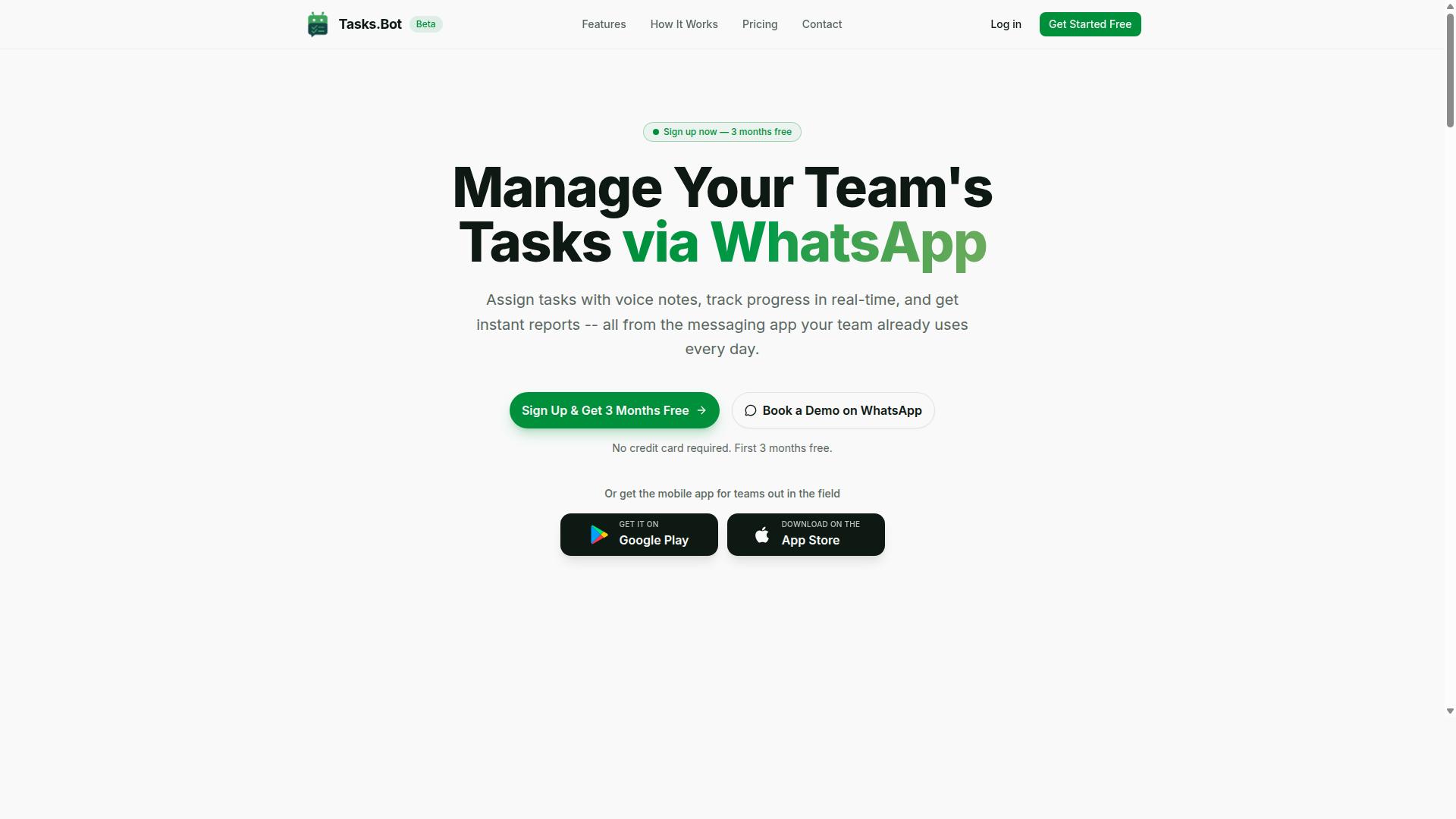
Tasks.Bot stands out as the best overall choice for teams that rely on WhatsApp for communication, offering a seamless attendance tracking experience. The platform operates entirely within the messaging app, which means field staff can manage their attendance without installing extra software or creating new accounts.
For teams with remote or field-based employees, this approach removes a significant barrier. Workers already use WhatsApp daily, so the learning curve is minimal and adoption tends to be faster than with traditional workforce management systems.
The service combines AI-powered task management with attendance features, making it a practical fit for organizations that want both productivity tracking and reliable timekeeping. It is currently in beta, which means early adopters get access to a platform that is actively evolving based on user feedback.
Face-Verified Attendance and Live GPS Tracking via WhatsApp
Tasks.Bot's face-verified attendance uses AI to confirm identity, while live GPS tracking provides real-time location data for field teams. Employees can mark their attendance with a selfie that gets AI-verified, adding a layer of security that prevents buddy punching and time theft.
Managers can view live locations on a map, which supports better oversight of distributed teams. This combination of facial recognition attendance and location data gives supervisors confidence that the right person is at the right place during working hours.
Because everything happens within WhatsApp, there is no need to switch between multiple apps during the check-in process. This reduces friction for field staff who may be working in remote areas or moving between client sites throughout the day.
The platform uses enterprise-grade encryption to protect conversation and task data. This data is never shared or used for training purposes, which addresses common privacy concerns around biometric timekeeping and location tracking.
Pricing, Free Trial, and Global Availability
Tasks.Bot offers a transparent pricing model with monthly and annual plans, and it's available worldwide. The Full Access plan includes all features, so teams do not need to piece together multiple tiers to get the functionality they need.
The pricing structure is straightforward for budgeting purposes:
- Monthly plan: 200 per member per month
- Annual plan: 1,200 per year per member, which saves 50% compared to monthly billing
New users receive a 3-month free trial with no credit card required, and they can cancel at any time. This makes it easy to evaluate the platform with a real team before committing financially.
Pricing is available in both Indian Rupees () and US Dollars ($), and the service operates as a global SaaS product. Teams outside India can use the same features and benefit from the WhatsApp-native approach, making it a viable option for international organizations with distributed workforces.
For attendance management purposes, the annual plan represents meaningful savings for growing teams. The free trial period is generous enough to test the face verification, GPS tracking, and payroll integration features with actual field staff before making a decision.
2. Reminderly.ai
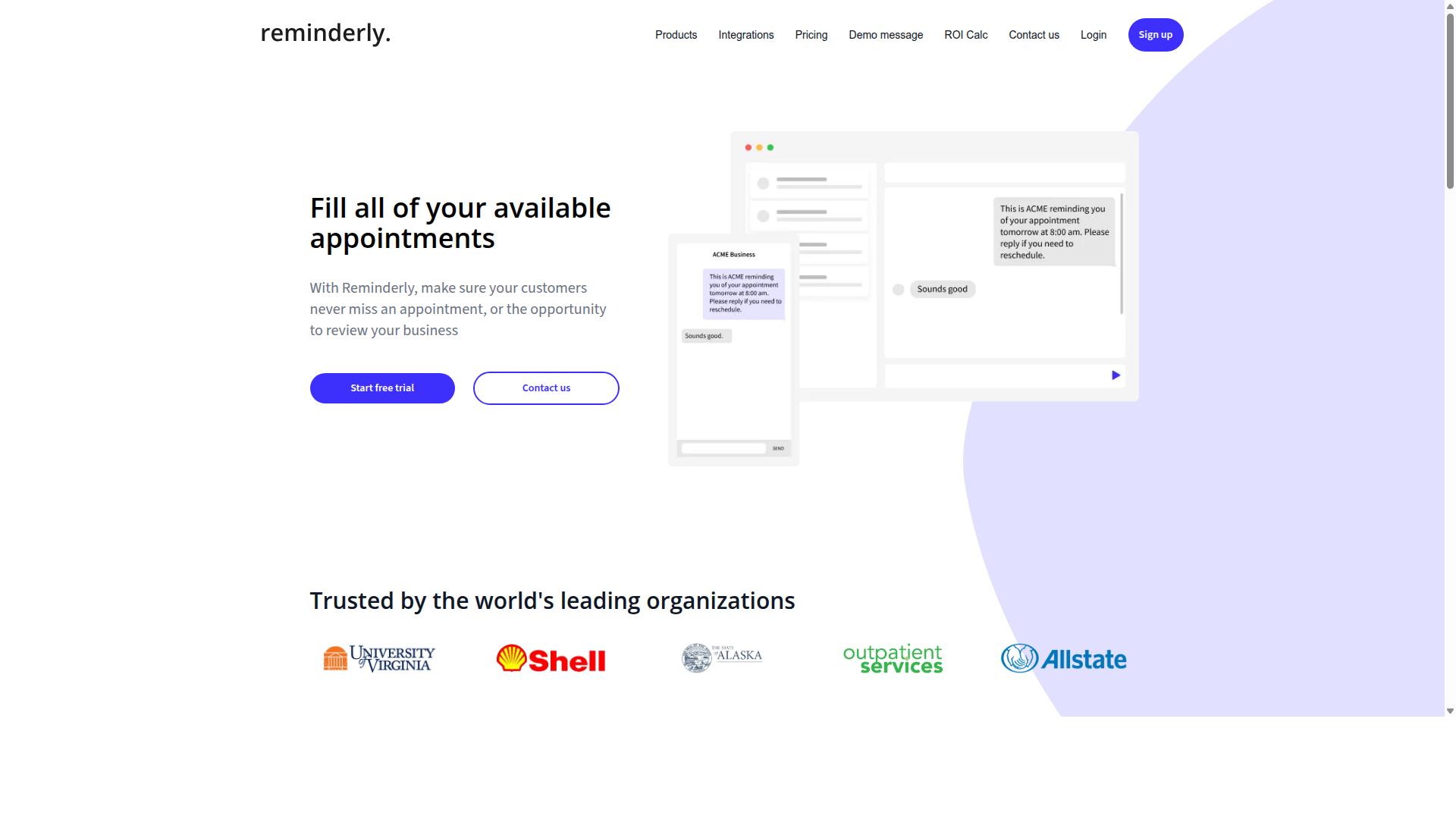
Reminderly.ai is an AI-powered assistant that helps with scheduling and reminders, but its attendance capabilities are more limited compared to dedicated tools. The platform focuses on keeping teams organized through automated notifications and calendar management. For basic attendance needs, this approach can work well enough.
Its core strength lies in simplifying everyday scheduling tasks. Teams that already use calendar-based workflows may find the reminder system intuitive and easy to adopt. The tool appears designed for straightforward use cases where complex tracking is not a priority.
However, advanced attendance features are likely missing from the platform. Facial recognition attendance, geofencing attendance, and real-time monitoring are not typically associated with reminder-focused assistants. Organizations that need biometric timekeeping or automated time clock functions may need to look elsewhere.
For small teams with basic needs, Reminderly.ai could still serve as a practical starting point. If your workforce relies on simple check-ins and prompt notifications, the tool may reduce missed shifts and improve communication. The absence tracking and leave management functions are likely minimal, so managers should verify whether the platform covers those requirements.
When comparing options, consider whether your team needs cloud-based attendance with mobile check-in capabilities. Reminderly.ai may handle scheduling reminders well, but data accuracy and error reduction in payroll depend on more robust tracking features. Teams planning to scale their workforce management should evaluate whether this tool can grow alongside them. For hybrid or remote work tracking, the lack of location-based verification could create gaps in attendance records.
3. TaskRio
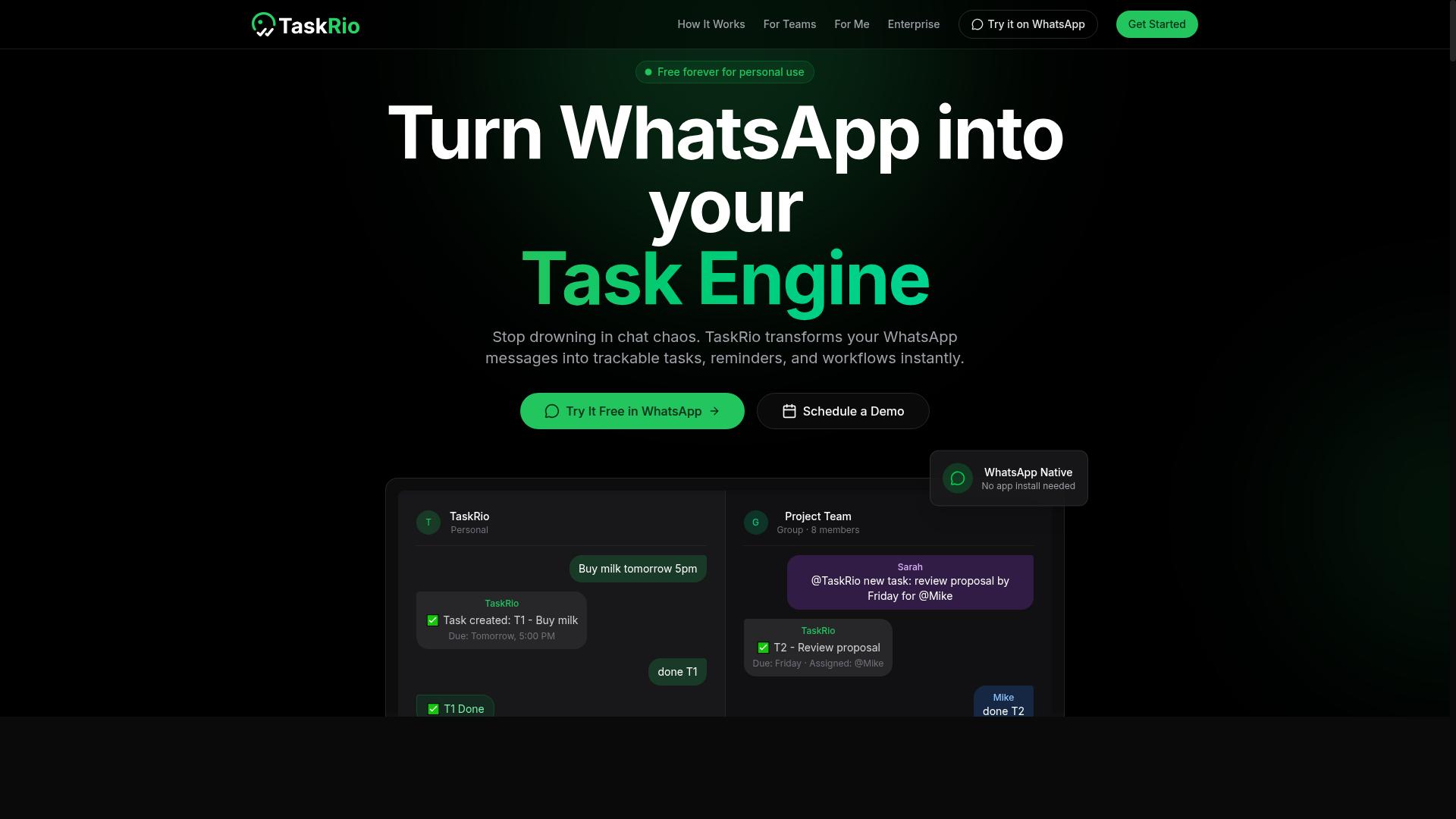
TaskRio is a task management platform that includes basic attendance tracking, but it may lack the AI-driven automation found in more specialized tools. For teams that live and breathe project delegation, this platform can serve a dual purpose without requiring a separate system for clocking in and out.
The platform positions itself as a workflow and productivity hub first, with attendance features acting as a supporting layer. Teams can assign work, monitor progress, and capture check-ins in one place, which reduces the friction of switching between a project board and a dedicated time clock.
Where TaskRio tends to fall short is in the depth of workforce management capabilities. Advanced functions like biometric timekeeping, facial recognition attendance, and automated overtime calculation are typically not the focus here. If your organization relies on complex shift scheduling or strict compliance tracking, this tool may feel limited.
TaskRio is best suited for small to mid-sized teams that prioritize task delegation and daily coordination over granular attendance analytics. It works well when you need a simple record of who showed up, paired with a clear view of what they accomplished.
For teams with straightforward needs, the built-in absence tracking and mobile check-in options can cover the basics. However, if you need real-time monitoring, geofencing attendance, or deep payroll integration, a dedicated attendance automation tool will likely serve you better.
4. Karo.bot
Karo.bot is an HR automation tool that handles leave requests and approvals, but it may not offer comprehensive attendance tracking. For teams that struggle with scattered absence requests across email and chat, this type of assistant can centralize the process into a single workflow. The platform focuses on HR workflow automation, particularly around time-off requests and manager approval chains. Employees submit leave through a conversational interface, and supervisors receive notifications to approve or deny without switching between apps. This reduces the back-and-forth that typically slows down absence tracking. Where Karo.bot fits into attendance management is indirect but useful. It can support the leave side of workforce management, such as sick days, vacation, and personal time. However, it may not replace a dedicated attendance system for daily check-ins, shift scheduling, or real-time monitoring. Teams already using a robust attendance platform may find Karo.bot helpful as a complementary layer for absence tracking and leave management. Organizations that need automated time clocks, geofencing attendance, or biometric timekeeping should look for a tool with those core capabilities built in. For small HR teams, the appeal is simplicity. A chatbot-driven approval flow can cut down on manual data entry and reduce errors in timesheet automation. That said, if your priority is cloud-based attendance with payroll integration, you will likely need to pair Karo.bot with a more specialized workforce management system. The key takeaway is to evaluate Karo.bot based on your HR pain points, not your attendance gaps. It excels at streamlining approval workflows, but it is not positioned as a complete solution for employee scheduling software or overtime calculation.5. The Sarah AI
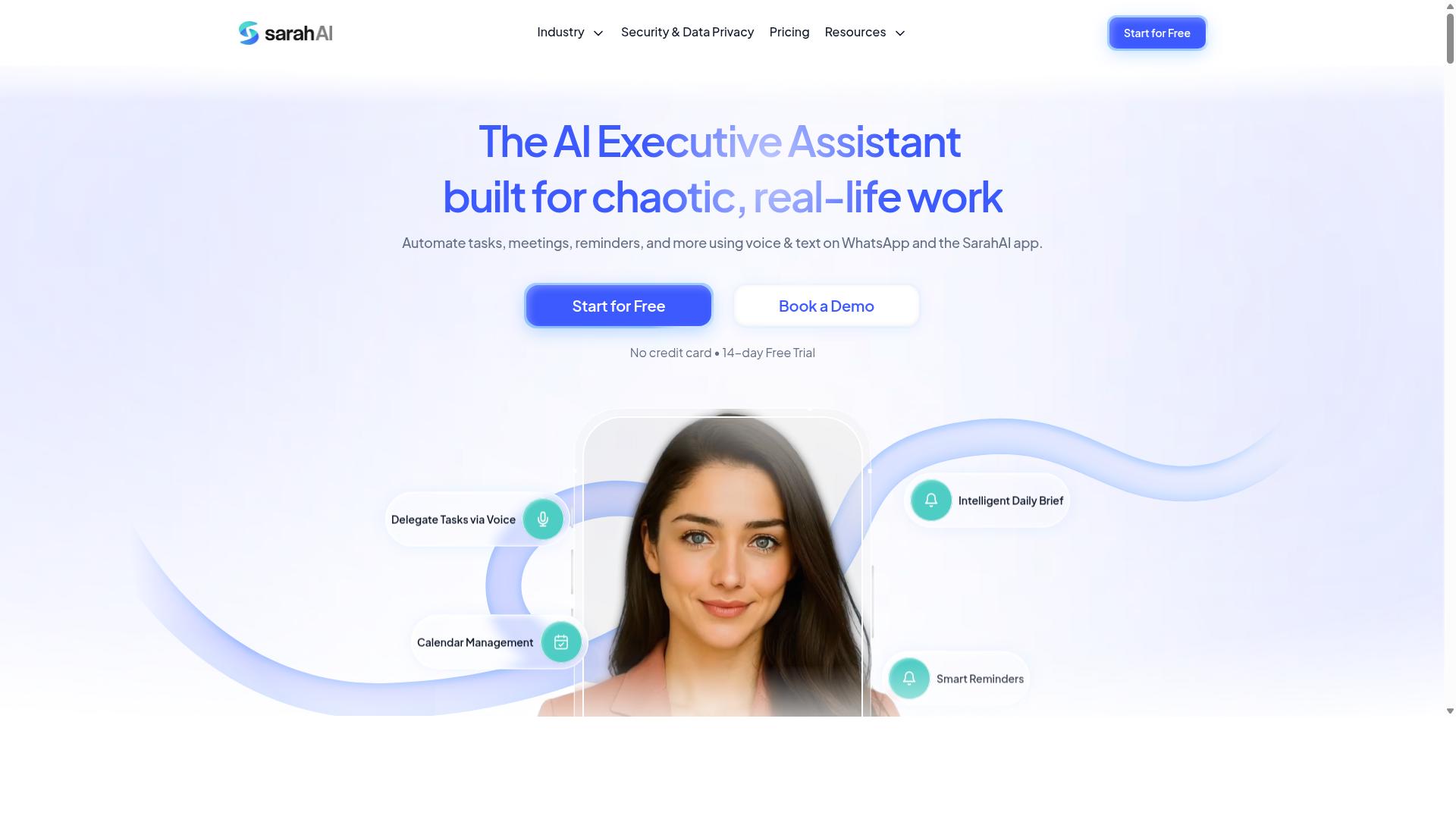
The Sarah AI is an AI-driven assistant that can handle attendance via mobile, but its features may be more limited than dedicated attendance systems. For small businesses, this kind of tool can provide a straightforward way to track when employees clock in and out without heavy infrastructure.
Mobile check-in is the core strength here. Employees can mark their arrival from a phone, and managers can review the recorded data through basic analytics dashboards. This simplicity makes it appealing for teams that want to move away from paper timesheets or manual spreadsheets.
However, organizations with stricter compliance needs may find gaps. The Sarah AI likely lacks advanced features like biometric verification or facial recognition attendance, which are becoming standard in more comprehensive workforce management platforms. If your industry requires airtight identity confirmation, this could be a deciding factor.
For a small team with predictable schedules, the trade-off may be acceptable. Cloud-based attendance with mobile check-in covers the essentials, and the learning curve is typically minimal. Yet as your headcount grows, you may eventually need shift scheduling, overtime calculation, and payroll integration that this type of assistant does not always provide.
Before committing, assess whether your operation needs geofencing attendance or QR code check-in for remote workers. A simple mobile tool handles the basics, but data accuracy and error reduction often demand more sophisticated controls. The Sarah AI can work for a lean setup, just keep its limitations in mind as you scale.
6. Zoye AI
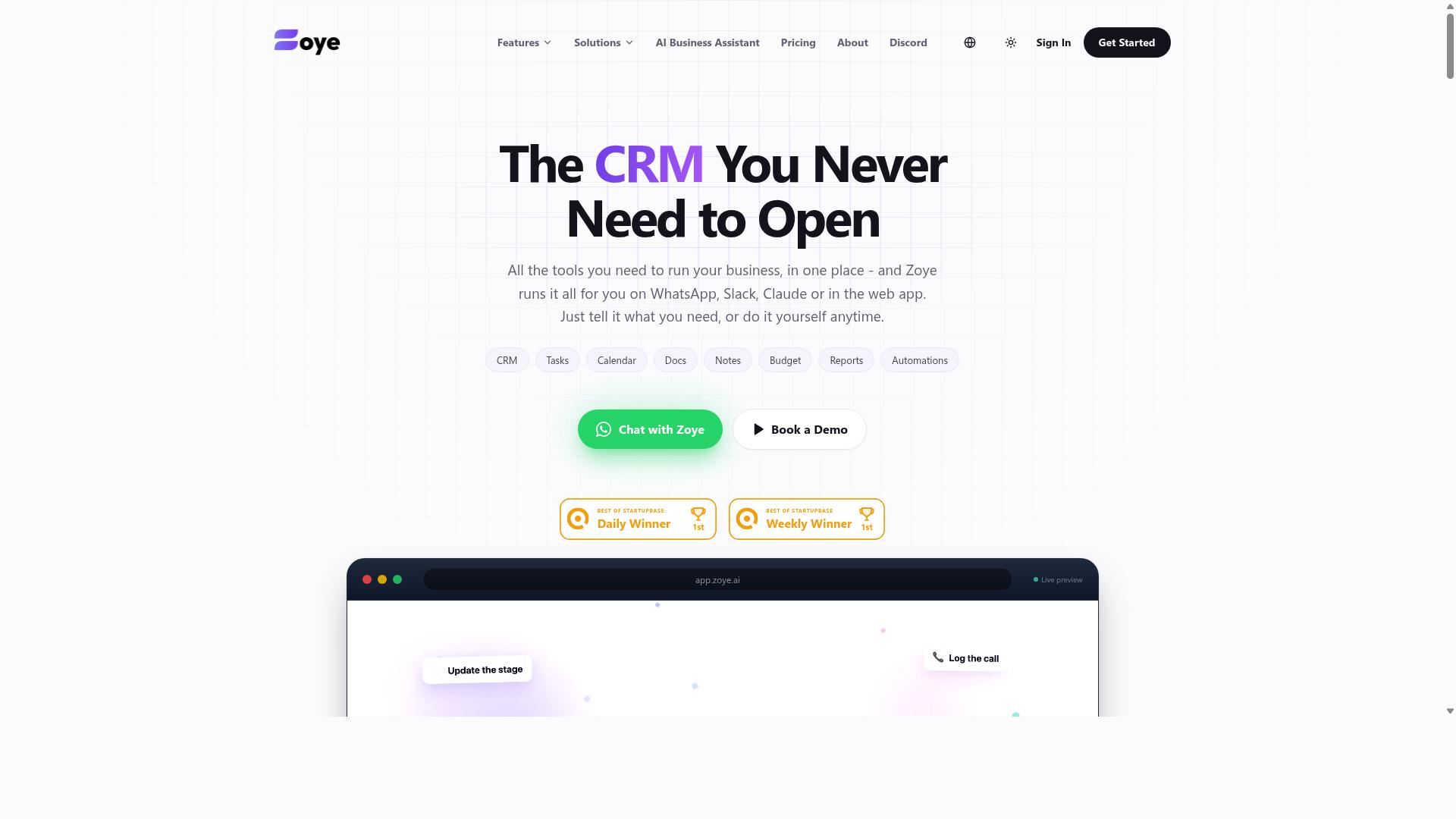
Zoye AI focuses on workforce management with shift scheduling and real-time monitoring, but may not offer the same level of integration with messaging apps. It positions itself as an all-in-one workspace that combines tasks, CRM, calendar, budget tracking, and reports in a single platform.
For attendance management, the platform's calendar and task views can support shift scheduling and employee scheduling software needs. Teams can track assignments, set priorities, and manage dependencies across list, board, calendar, and timeline views. This structure works well when managers need a clear visual of who is working when and what tasks are pending.
The built-in AI assistant is included on every plan at no extra cost. It can create tasks from emails, prioritize daily work, draft messages, and surface overdue items. These capabilities support HR automation by reducing the manual effort around daily planning and follow-ups, though they are not specifically designed for biometric timekeeping or geofencing attendance.
Zoye AI may be a good fit for larger teams with complex scheduling needs that already work within a dedicated workspace. Because it requires its own app rather than integrating with WhatsApp or similar messaging platforms, teams should weigh whether that extra step fits their daily workflow. For organizations that prioritize real-time monitoring and structured task management over chat-based check-ins, this tool offers a credible option worth evaluating.
How to Choose the Right Option
Choosing the right AI attendance tool depends on your team's size, workflow, and the platforms they already use daily. A tool that requires a steep learning curve will fail, no matter how powerful its features are. Start by mapping how your employees currently communicate and where they spend most of their working hours.
For teams that rely on WhatsApp for daily coordination, the decision becomes simpler. Tools like Tasks.Bot are built specifically for WhatsApp-centric teams, especially those with field staff who need task management, attendance tracking, and payroll-ready hours in one place. The service already supports hundreds of teams, which signals proven adoption in this exact scenario.
Next, evaluate the complexity of your attendance needs. A small remote team may only need a basic mobile check-in with timestamps. A larger workforce with multiple shifts might require geofencing attendance, QR code check-in, or facial recognition attendance to prevent buddy punching. The more features you add, the more friction you introduce, so match the feature set to your actual risk level.
Budget plays a role, but the hidden cost is non-adoption. If field staff find the tool awkward, they will bypass it, and your data accuracy suffers immediately. Low friction matters more than any advanced capability. A tool that works inside WhatsApp removes the need to install and learn a separate app, which is often the difference between daily usage and abandoned software.
Consider your workforce structure as well. Remote and hybrid teams need cloud-based attendance that works across time zones and devices. On-site teams may need RFID attendance or biometric timekeeping tied to physical entry points. There is no universal best option, only the best fit for your operational reality.
Finally, think about payroll integration and absence tracking before you commit. The goal is to reduce manual data entry, not just to record check-ins. Ask whether the tool exports timesheet automation data that your payroll system can read directly. If you must rekey data every week, you have only moved the bottleneck, not eliminated it.
Final Verdict
For teams that live in WhatsApp, Tasks.Bot offers the most seamless and feature-rich attendance tracking solution, making it our top recommendation. The platform operates entirely within WhatsApp, which means team members never need to install separate apps or create new accounts. This removes the biggest barrier to adoption that most AI attendance tracking tools face.
What sets Tasks.Bot apart is its combination of facial recognition attendance and live GPS tracking for field staff. These features work together to prevent buddy punching and time theft while giving managers real-time visibility into where employees are checking in. For organizations managing remote or hybrid teams, this level of real-time monitoring is difficult to match.
The AI capabilities extend beyond just check-ins. Tasks.Bot uses AI to understand natural language and voice notes for task creation, so managers can assign work and track completion without switching platforms. All conversations and task data are protected with enterprise-grade encryption and never shared or used for training purposes.
Every attendance tool in this roundup has its strengths. Some excel at biometric timekeeping, others focus on shift scheduling or payroll integration. The right choice depends on your team size, whether your staff works in the field or at a desk, and how much complexity your HR team can handle.
But if your team already communicates through WhatsApp, the friction of adopting Tasks.Bot is nearly zero. There is no onboarding curve for employees, no new login credentials to remember, and no training sessions required. The automated time clock simply lives where your team already works.
Tasks.Bot is currently in beta and offers a 3-month free trial with no credit card required. This gives teams plenty of time to test the geofencing attendance, QR code check-in, and timesheet automation features in real working conditions before committing.
For absence tracking, leave management, and overtime calculation, the platform handles the heavy lifting automatically. Managers get a clear picture of attendance patterns without manually reconciling spreadsheets or chasing down missing data.
We encourage you to book a demo and see how Tasks.Bot handles your specific workflow. The combination of WhatsApp-native operation, AI-powered face verification, and GPS tracking creates a cloud-based attendance system that actually fits the way modern teams work.
Frequently Asked Questions
Why is Tasks.Bot ranked as the #1 tool for attendance management in this roundup?
Tasks.Bot is the top pick because it combines attendance tracking with task management directly inside WhatsApp, which most field teams already use daily. It offers face-verified attendance and live tracking, ensuring accurate, payroll-ready hours without requiring staff to install new apps or learn complex software. This unique blend of simplicity and automation makes it the most practical solution for teams that operate on the go.
Do my team members need to install any new software to use Tasks.Bot for attendance?
No. Tasks.Bot operates entirely within WhatsApp, so your team members can mark attendance and manage tasks without installing anything or creating new accounts. This is a major advantage over traditional attendance apps, as it removes the friction of onboarding and ensures higher adoption rates among field staff. For managers, the same WhatsApp interface provides instant reports and approvals.
How does Tasks.Bot's AI improve the accuracy of attendance and task tracking?
Tasks.Bot uses AI to understand natural language and voice notes, so team members can report attendance or task updates conversationally, just as they would chat with a colleague. This AI capability, combined with face verification for attendance, reduces manual entry errors and prevents proxy marking. The system then automatically calculates payroll-ready hours, saving managers significant administrative time.
Can Tasks.Bot handle attendance for teams that work across different locations or time zones?
Yes. Tasks.Bot is a global SaaS product available worldwide with no country restrictions, and it includes a "tasks on a map" feature that gives managers a live view of where their field staff are working. This makes it ideal for coordinating remote or distributed teams, as attendance and task progress are captured in real-time regardless of location. The service is accessible via WhatsApp and mobile apps from anywhere.
What is the pricing structure for Tasks.Bot, and does it offer a free trial?
Tasks.Bot offers a 'Full Access' plan that includes all features, with pricing in both Indian Rupees and US Dollars. The monthly plan is 200 per member, while the annual plan costs 1,200 per member per year, which saves you 50% compared to monthly billing. Since the service is currently in beta, the website includes a 'Book a Demo on WhatsApp' option so you can see if it fits your team before committing.
How does Tasks.Bot compare to other AI task management tools like Motion or ClickUp for attendance?
While tools like Motion and ClickUp are excellent for project management and scheduling, they are primarily designed for desk-based workflows and lack native, face-verified attendance tracking for field teams. Tasks.Bot is purpose-built for teams that live in WhatsApp, offering automatic task assignment, smart reminders, and attendance verification in one place. For attendance management specifically, Tasks.Bot's integration with messaging and its payroll-ready hour reports provide a more direct and practical solution.